by jamesgeorge | Aug 29, 2010 | Dreamweaver, Premium, Tutorials, Web Design
When creating your own navigation system for your web site, Spry is a remarkable tool that organizes and breaks down the entire structure simply and easily. The Spry system makes it so easy to go back and change the structure and layout of different navigation...
by jamesgeorge | Aug 25, 2010 | Articles
For those of you that love good plugins, Knoll light factory is a very cool time saving addition to After Effects. The new edition works with CS5, and has a few new features as well. if you own an older version, you can upgrade for a reasonable price of $99, but if...

by jamesgeorge | Aug 19, 2010 | Illustrator, Tutorials
I got this question yesterday, and thought that it would be a good topic for the day. If you want to fit text to a certain shape, you have a couple of options. The first option is to do what is called an envelope distort. First, you make your shape, and then take the...
by jamesgeorge | Aug 17, 2010 | Articles, Photoshop, Tutorials
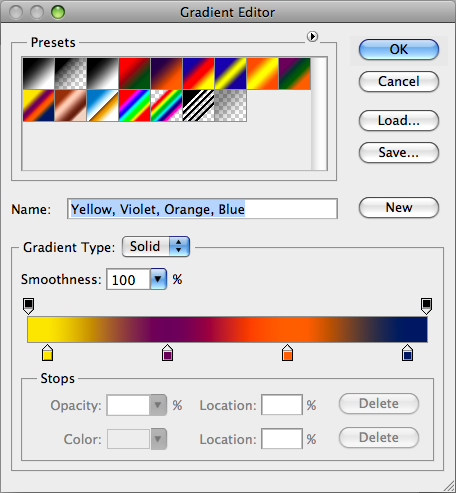
Create a Psychedelic image in Photoshop This is a neat trick that will give you some really interesting and extremely colorful results. To start off, create a new document. It can be any dimension that you want, and click ok. Mine is set at 1024 x 768. Then, create a...
by jamesgeorge | Aug 16, 2010 | Photoshop, Tutorials
Create a 3D Rainbow With the addition of 3D in Photoshop, you can now create dazzling effects without using another program. In this tutorial, you’ll learn how to create a 3D rainbow from scratch, all inside of Photoshop. First, I am starting out with a black...

