by jamesgeorge | Jul 21, 2013 | Articles, Dreamweaver, Tutorials, Web Design, Web Development
Fluid Grid Layouts Creating a responsive or an adaptive website can be a difficult task to say the least. If you aren’t using a framework of some kind, trying to calculate the columns, their widths and percentages can be enough to drive anyone nuts. Dreamweaver...
by jamesgeorge | Aug 29, 2010 | Dreamweaver, Premium, Tutorials, Web Design
When creating your own navigation system for your web site, Spry is a remarkable tool that organizes and breaks down the entire structure simply and easily. The Spry system makes it so easy to go back and change the structure and layout of different navigation...
by jamesgeorge | Jul 18, 2010 | Articles, Dreamweaver, Tutorials, Web Design
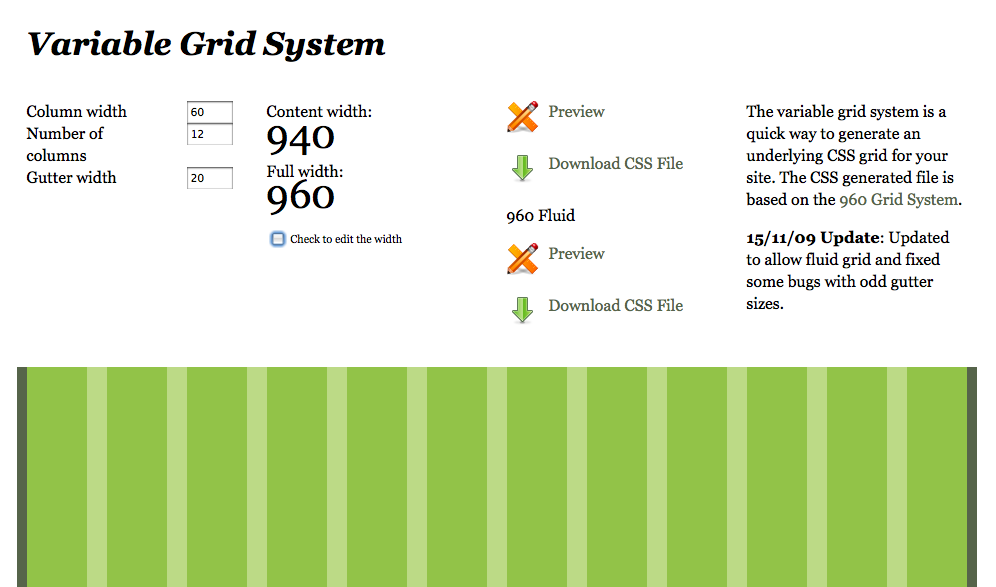
When creating your web site, it is important to create a site that flows in a way that helps to get your message across to your viewer. You have to create something eye-catching, but well designed. Having a solid structure is key. To me CSS is the only way to go for a...

