Organic Shapes in Illustrator
One of my absolute favorite tools in Illustrator is the Width Tool. If you want to make a free-flowing shape, the Width Tool can really make the creation of organic and rounded shapes much easier. Before, if you wanted to shape the size of a stroke, you went to the stroke panel or the appearance panel and dialed the value in. This affected the entire stroke at once. Now, depending on the number of points that you have in your shape, you can create a wide stroke on one side, while the other side stays thin. This is referred to as variable width strokes.
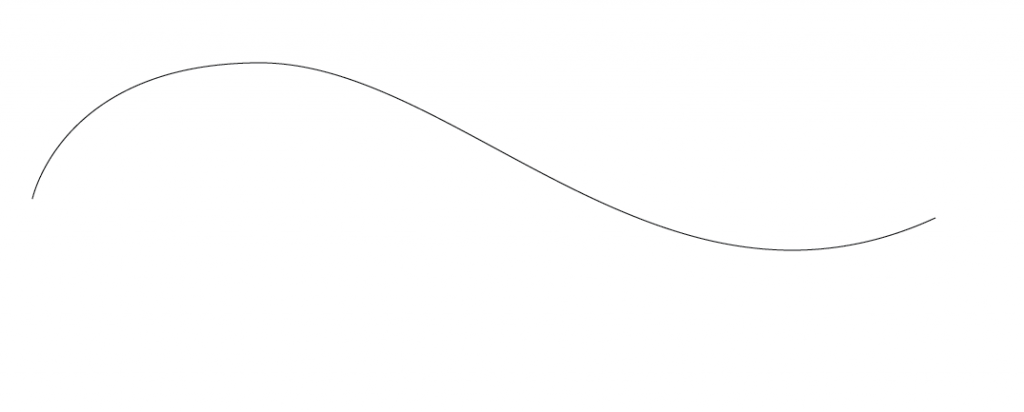
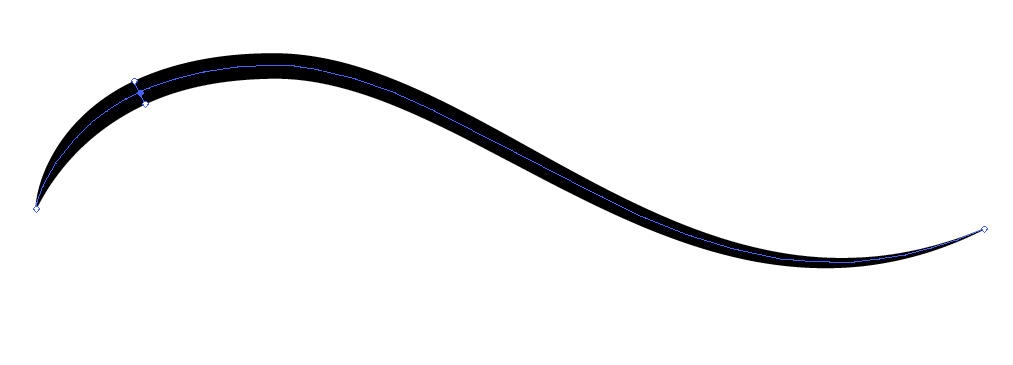
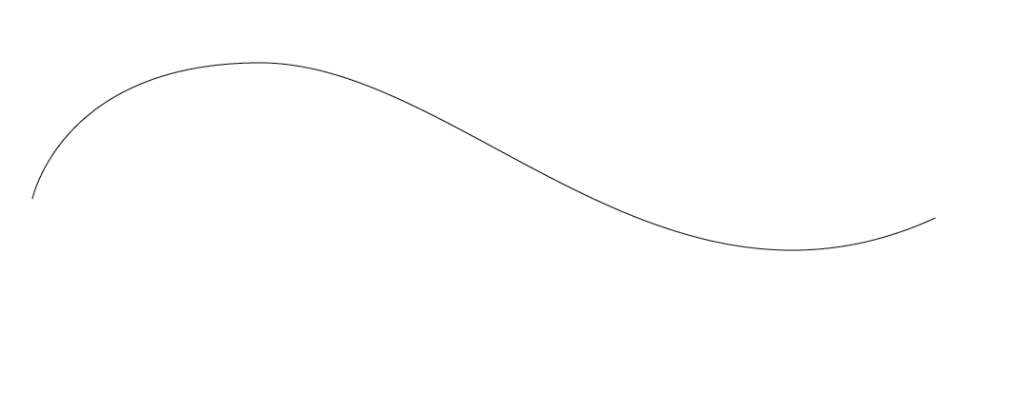
All you have to do is draw out a path with your pen tool, or the shape tool inside of Illustrator. Then, select the Width Tool (which is right where the warp tool is) and click and drag the path that you want to change. It’s best to use this tool on an anchor point for the best results. Drag it in the direction that you want to give it the thickness that you want.
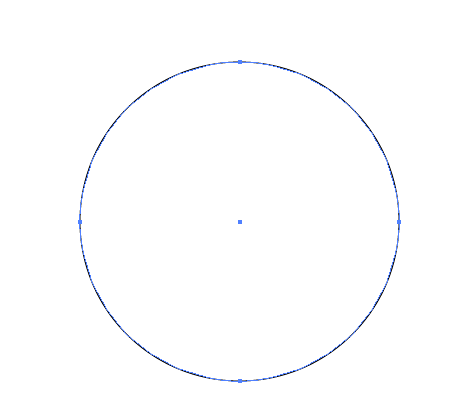
Above, we have a typical circle, drawn with the Ellipse Tool. It’s made of 4 anchor points, which is typical of all circles.
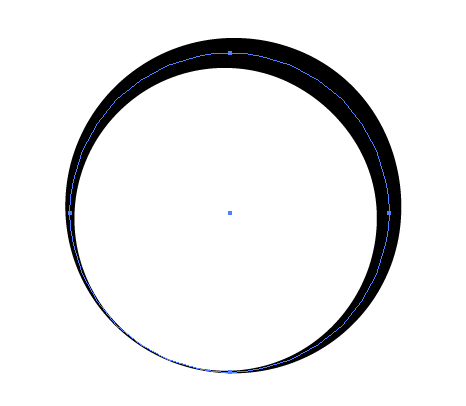
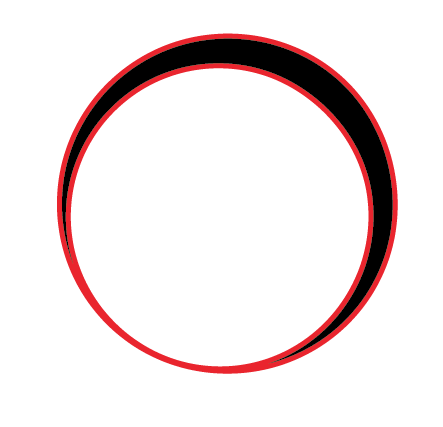
The other cool thing about this, is that you can also expand the appearance once you are done and add a stroke to your new shape. Then, you can adjust the width of that one, too! The possibilities are endless, and this tool really gives you the power to create organic shapes in Illustrator much better than before. It just seems natural, and you have a great level of control.
Conclusion
Just think about how easy it will be to make custom ornaments and flourishes, smooth swirls and fun shapes. Combine this with the improved Pencil Tool, and you can do some amazing things with Adobe Illustrator. Creating more natural and organic shapes in Illustrator is easier than ever!