Tag: draw in perspective
Exploring the Blob Brush In Adobe Illustrator
This tool is one of the best tools if you want to create a sketch within Illustrator. You can really draw and add to an existing shape like you would if you were drawing with an ink pen. the best part about this, is that with a drawing tablet, you can very closely simulate freehand drawing and sketching, but with this, erasing and cleaning up your artwork is much easier. With enough practice, you could even eliminate the step of sketching something out on paper, scanning it in, and re-tracing your own artwork. This can be a bothersome and tedious procedure.
The blob brush is located under the brush tool on your tools panel. You can open up the brushes panel and chose what type of brush that you would like to work with. I keep this panel open, because you … Read More »
Transforming in Perspective in Illustrator
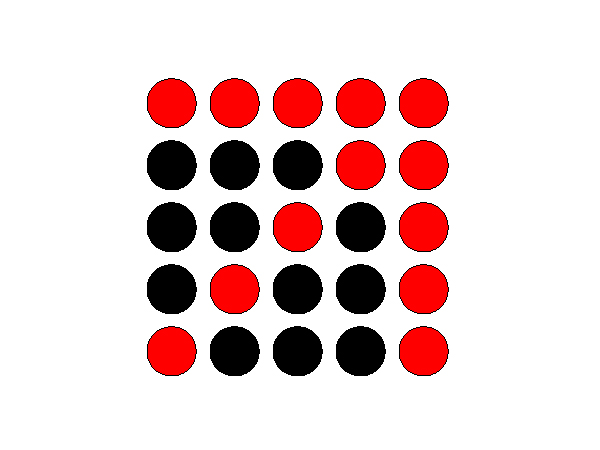
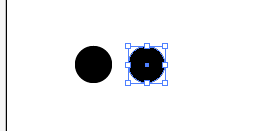
In this tutorial, I am going to show you how to transform an object in perspective in Illustrator. This is extremely handy when trying to make a pattern fit a certain perspective. First, we are going to create a simple circle pattern. Select your ellipse tool, holding shift to draw a circle. Then hold shift and alt and click and drag the circle you just made to drag a copy straight across from the original. Space it about half the width of the circle from the first one.
Then, hit command and the letter D to repeat this action. Hit command and D 6 more times so that you have 8 circles. You can make as many as you like or need. Doing this also makes sure that the circles are spaced exactly … Read More »
3D Shapes in Illustrator
The 3D option in Illustrator is a great tool for rendering quick 3-Dimensional shapes for your design work. First we are going to make a solid vase shape. Then, we are going to edit it to make it a hollow 3D vase, so you can see how to do a live edit on a vector 3D object in Illustrator.
Create a new illustrator document, to the size of your choice. Then, select your pen tool, and pick a nice gray for your stroke color, and make sure there is no fill. We are going to use the 3D Revolve option, so we need to create a shape that is half of what we want. The way the program renders, you need to make the right half of the round object that you want to make. I am going to … Read More »
Perspective using Illustrator
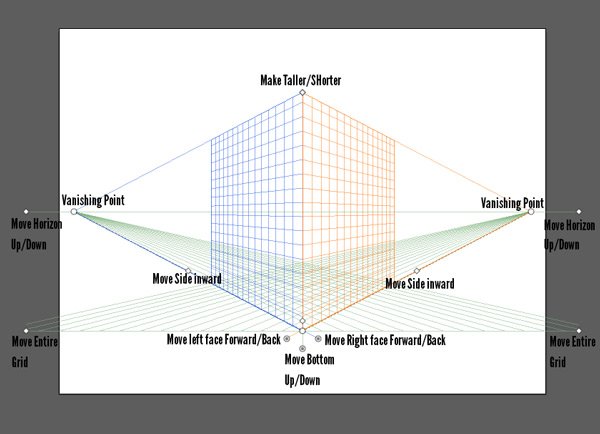
When creating an illustration or design using a perspective view, it is much easier to do this in Adobe Illustrator than in Photoshop. You seem to have a lot more control, and the tools are quicker to use and help you to get the job done easier. Also, you can go outside of the document restraints if your vanishing point is of the edge of the page. You can make all sorts of guide lines to help you properly alight your elements. Here, I created a mock theatre design based off of dozens of photos that I compiled from the internet. With these, I took elements from different theaters that I likes and created my own. This doesn’t exist in real life.
You can create guides, by selecting any line of lines … Read More »