Join now, submit a link, or Follow Me

Tag: effects tutorial


Creating Glow Effects in Your Designs With Photoshop Part 2

15th November

Yesterday, I covered some basics regarding glow effects and how to use them to your advantage. Today, I will cover some more advanced techniques that will help you to achieve some really cool effects.

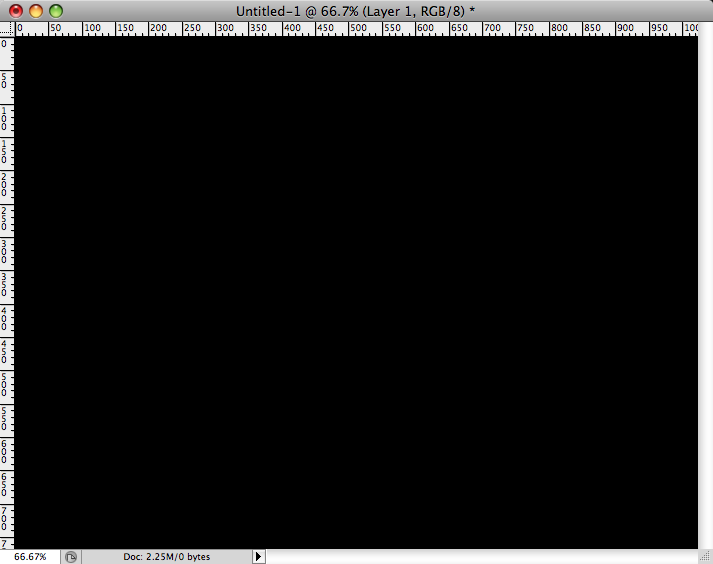
I created a new document with the dimensions 1024 x 768 and filled the background with black. I selected a font, which you can use anything of your choosing, but I chose Null Free, found here. I typed in the word design. Then, just like the lines from yesterday, I created an outer and inner glow and set them to the blending mode of Hard Light, just as in this tutorial, but in this case, I set the colors to pure white.

Then, create a new blank layer above the type … Read More »


Creating Glow Effects in Your Designs With Photoshop Part 1

14th November

Glow effects can really add drama to your designs and really make them stand out. Contrast is key here, so it is always a good idea to use a really dark, or even black background. You can add these types of effects to anything such as text, lines, shapes, etc.

To do this, open up a new document inside of Photoshop. For our purposes, I created a document that is 1024 x 768. I filled the background layer with black, and then I held down Shift + Command (Ctrl on the PC) and hit the letter N to create a new layer.

For glowing lines, take your pen tool, and create a path in the shape or contour that you want. I hid the black layer so that you could see the path easier. Go to the … Read More »


Create Amazing 3D with Textures In Photoshop

1st November

In Photoshop CS5, the new Repousse Panel is fantastic, in that you can create 3D from almost anything. You can create a 3D object from a selection, a path, text, a mask, etc. What is really cool is that you can create your own textures, or you can use images as textures to make your objects look more realistic. You aren’t just stuck with the presets given to you. In This tutorial, I am going to show you how to create custom 3D text shaded with textures from images.

First, create a new document. Mine is 1024 x 768 at 72ppi. Then, select your text tool and chose a nice typeface. I tend to choose thicker ones for 3D effects, but the choice is yours. I chose MetaPlus Black.

Read More »


The Color Replacement Tool In Photoshop

30th October

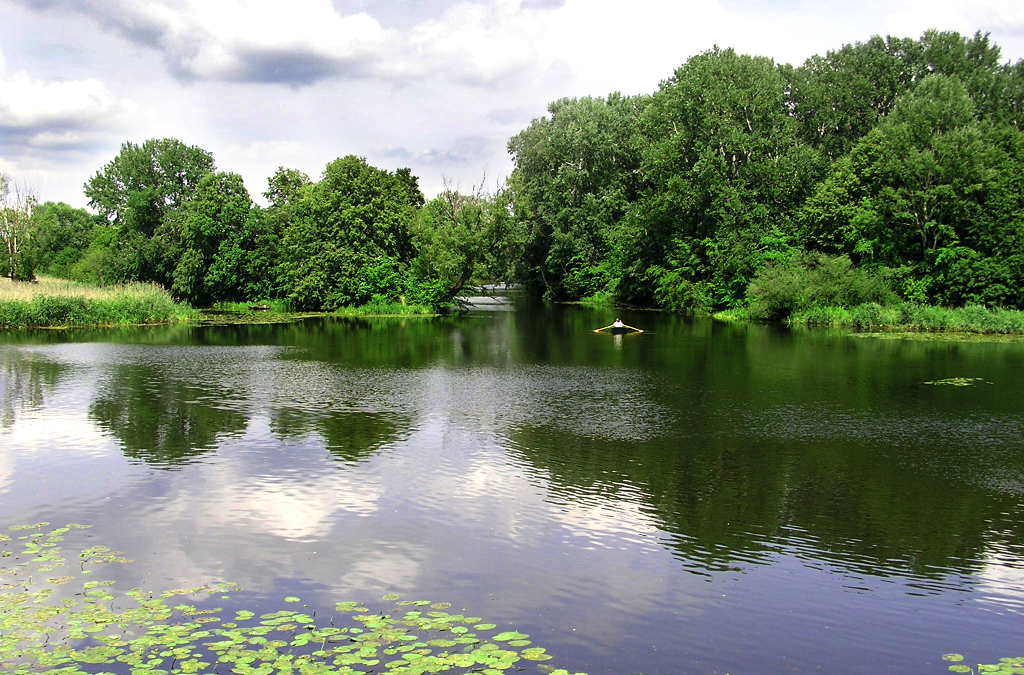
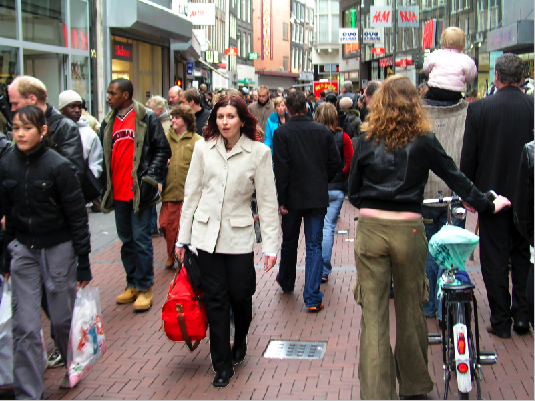
This tool is a very handy tool for replacing color in a photo inside of Photoshop. It is found behind the brush tool and goes as far back as CS3. This sort of works like making a new layer and setting it to color in the layers panel. That is an old trick from before the invention of this tool. The image used for this tutorial can be found on Stock.xchange, taken by Billy Frank Alexander. If you would like to try this out on the same image, it can be found here.

There are several aspects to this tool that make it handy, and the different settings allow you to be able to do different things. The first is mode. Mode decides what will be effected; Hue, Color, Luminosity, and Saturation.

Hue- When using Hue, you will be painting … Read More »